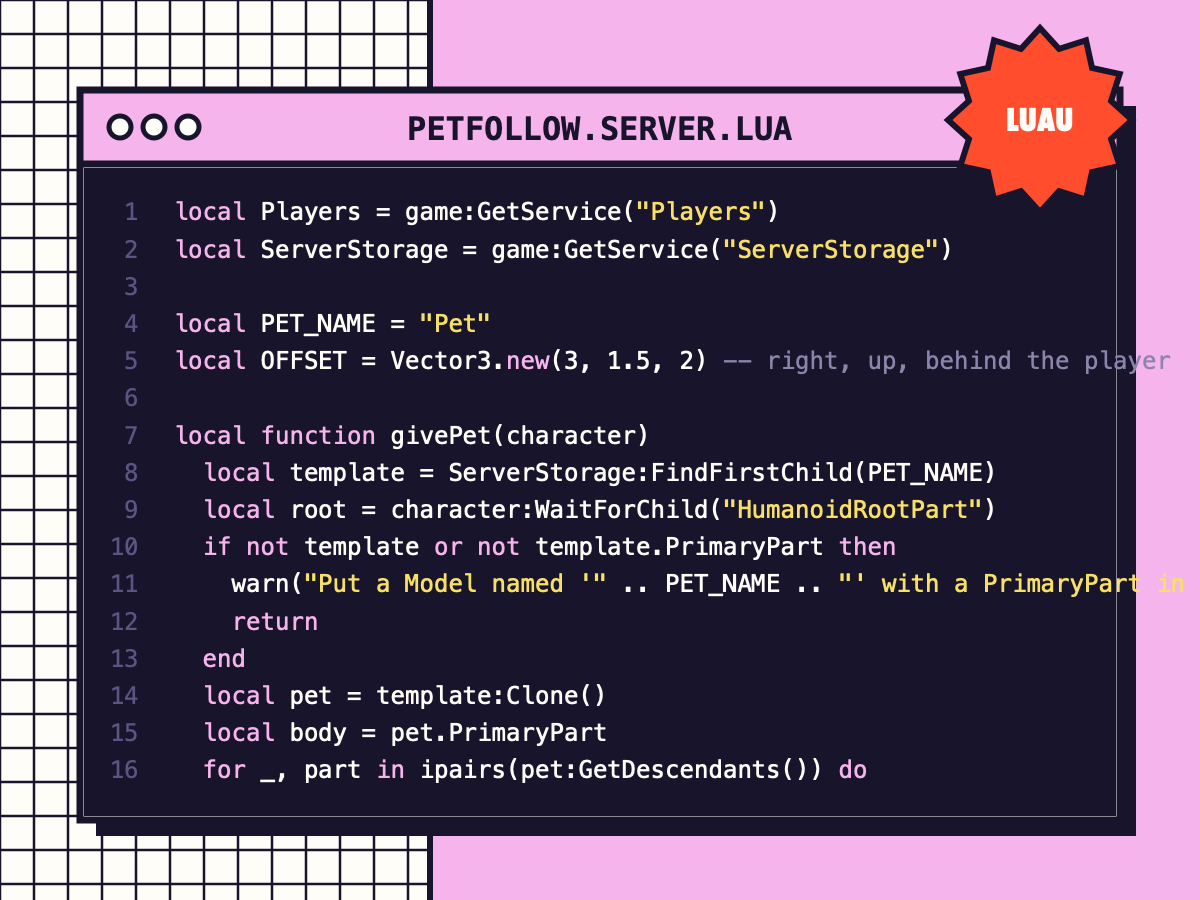
Pet That Follows You
Every player gets a floating pet that follows smoothly using AlignPosition, with a gentle bob.
⚑ Report this
Every player gets a floating pet that follows smoothly using AlignPosition, with a gentle bob.
Gives every player a pet that floats beside them and smoothly follows, using physics constraints
(no jittery CFrame loops).
SETUP
1. Make your pet a Model with a PrimaryPart (any size; unanchored; CanCollide off is best).
Name it "Pet" and put it in ServerStorage.
2. Put this Script in ServerScriptService.
Tip: make several pets and change PET_NAME per player (e.g. from a shop or saved data).
The main script is shown below with a Copy button, or grab the download with every file and a README.
--[[
	Pet That Follows You  ·  by Cube Burst Studios  ·  CC0
	Gives every player a pet that floats beside them and smoothly follows, using physics constraints
	(no jittery CFrame loops).

	SETUP
	1. Make your pet a Model with a PrimaryPart (any size; unanchored; CanCollide off is best).
	   Name it "Pet" and put it in ServerStorage.
	2. Put this Script in ServerScriptService.
	Tip: make several pets and change PET_NAME per player (e.g. from a shop or saved data).
]]

local Players = game:GetService("Players")
local ServerStorage = game:GetService("ServerStorage")

local PET_NAME = "Pet"
local OFFSET = Vector3.new(3, 1.5, 2) -- right, up, behind the player

local function givePet(character)
	local template = ServerStorage:FindFirstChild(PET_NAME)
	local root = character:WaitForChild("HumanoidRootPart")
	if not template or not template.PrimaryPart then
		warn("Put a Model named '" .. PET_NAME .. "' with a PrimaryPart in ServerStorage")
		return
	end
	local pet = template:Clone()
	local body = pet.PrimaryPart
	for _, part in ipairs(pet:GetDescendants()) do
		if part:IsA("BasePart") then
			part.Anchored = false
			part.CanCollide = false
			part.Massless = part ~= body
		end
	end

	-- attachments: one on the player (where the pet should be), one on the pet
	local target = Instance.new("Attachment")
	target.Name = "PetTarget"
	target.Position = OFFSET
	target.Parent = root
	local petAttachment = Instance.new("Attachment")
	petAttachment.Parent = body

	local align = Instance.new("AlignPosition")
	align.Attachment0 = petAttachment
	align.Attachment1 = target
	align.MaxForce = 25000
	align.Responsiveness = 18
	align.Parent = body

	local orient = Instance.new("AlignOrientation")
	orient.Attachment0 = petAttachment
	orient.Attachment1 = target
	orient.MaxTorque = 25000
	orient.Responsiveness = 15
	orient.Parent = body

	pet:PivotTo(root.CFrame * CFrame.new(OFFSET))
	pet.Name = Players:GetPlayerFromCharacter(character).Name .. "'s Pet"
	pet.Parent = character
	body:SetNetworkOwner(Players:GetPlayerFromCharacter(character)) -- smooth on the owner's screen

	-- a gentle bob so it feels alive
	task.spawn(function()
		local t = 0
		while pet.Parent do
			t += task.wait(0.05)
			target.Position = OFFSET + Vector3.new(0, math.sin(t * 2.2) * 0.4, 0)
		end
	end)
end

Players.PlayerAdded:Connect(function(player)
	player.CharacterAdded:Connect(givePet)
	if player.Character then
		givePet(player.Character)
	end
end)
MORE
CODE
View all ↗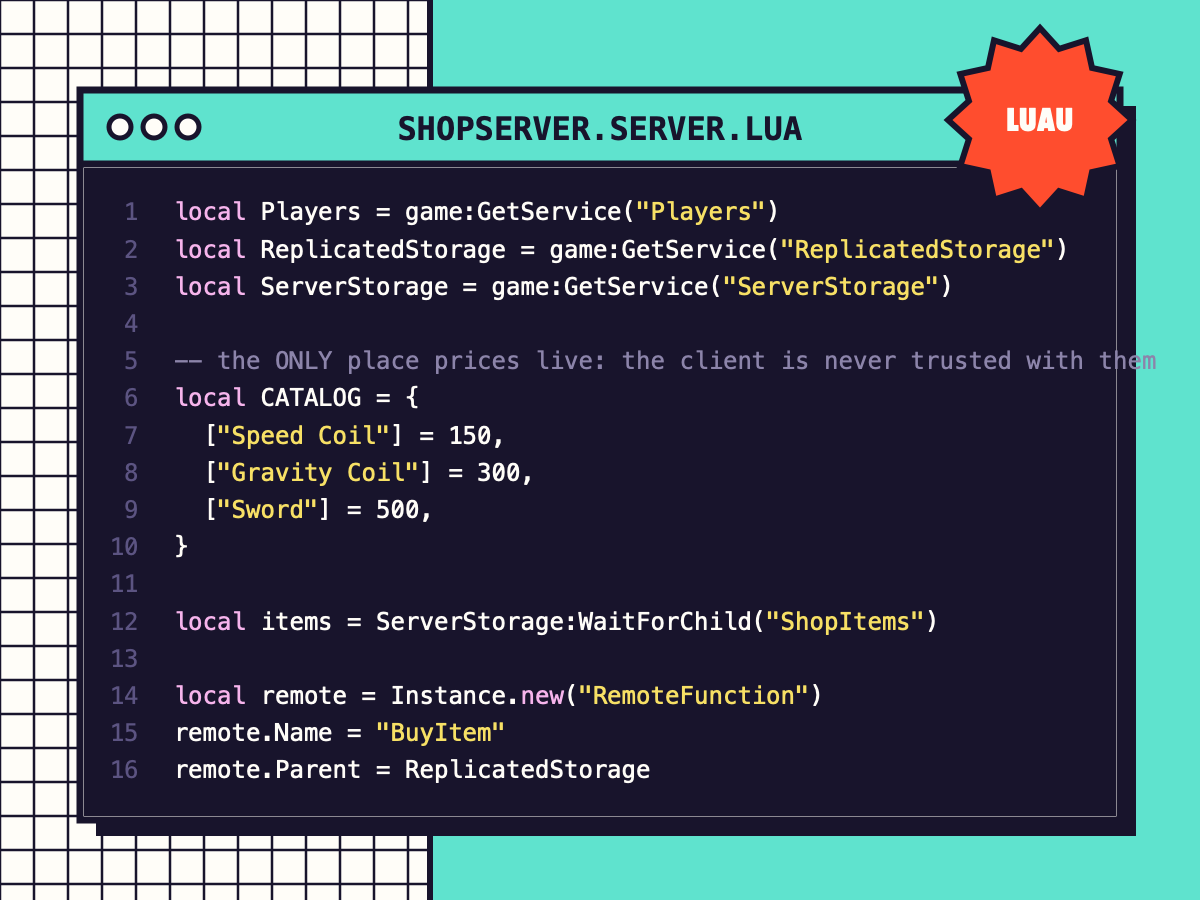
Coin Shop (Exploit-Safe)
A server-checked shop: prices live on the server, coins are verified, tools are given safely. Includes the shop window.
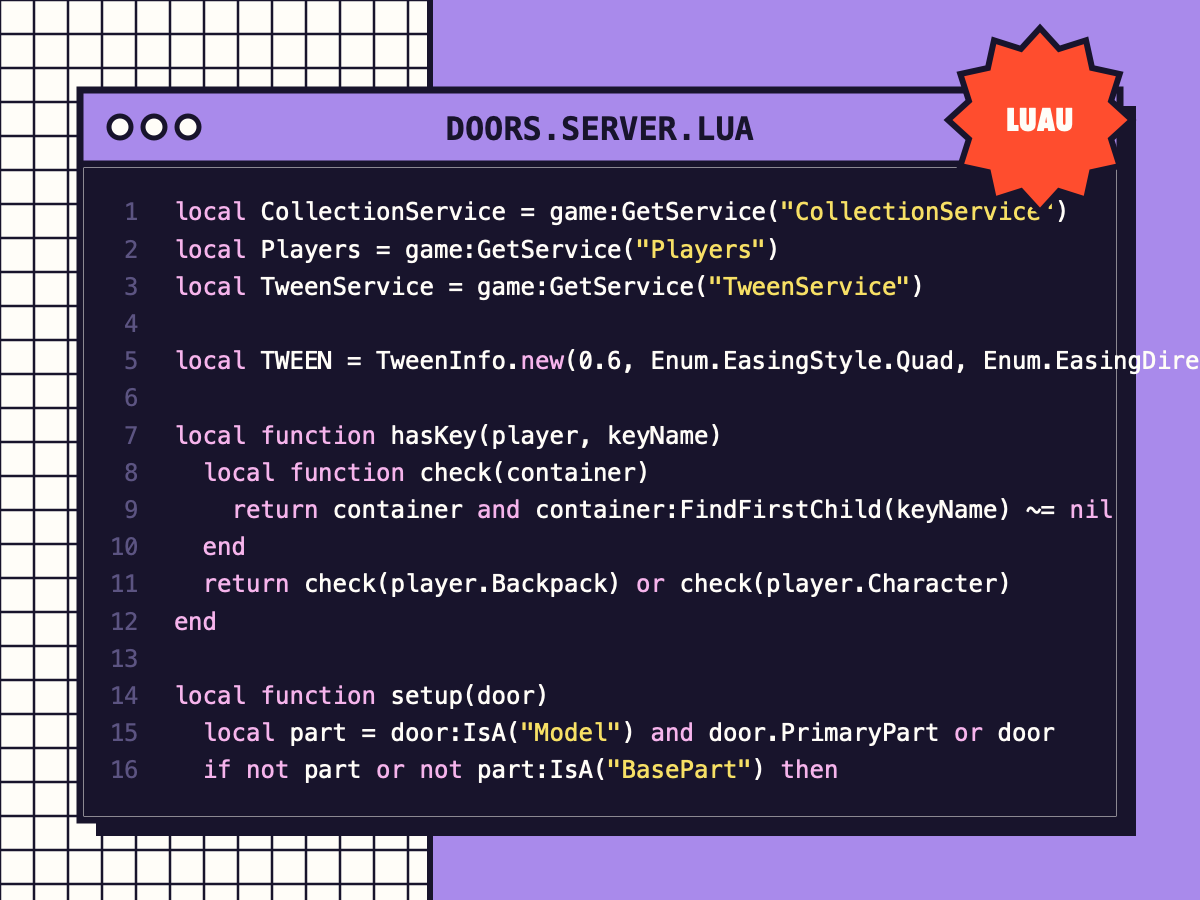
Smooth Doors with Keys
Press E to open doors that swing or slide with a tween, close automatically, and can require a key tool.
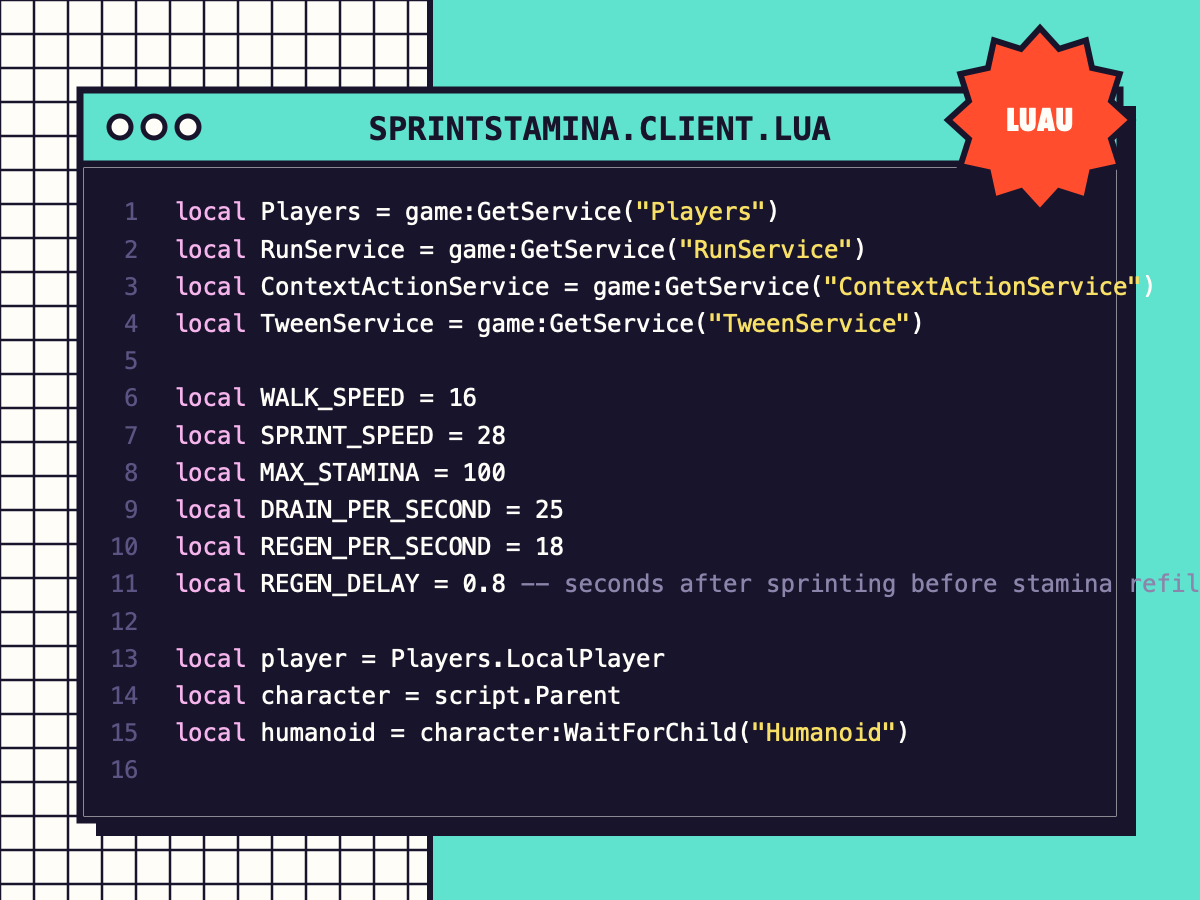
Sprint + Stamina Bar
Shift / mobile button / controller sprint with stamina drain, regen delay and a clean stamina bar.
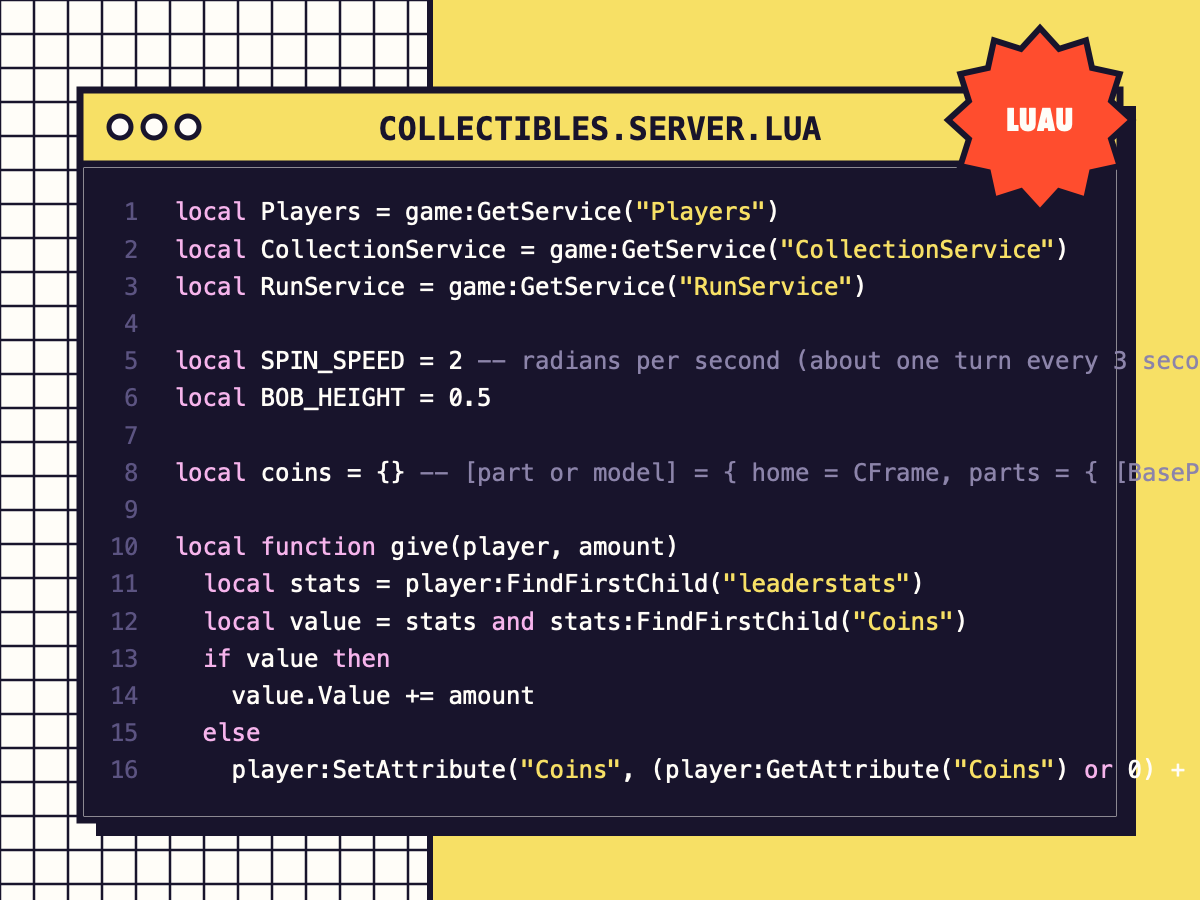
Spinning Coins & Collectibles
Tag a part or model 'Coin' and it bobs, spins, pays out and respawns. One efficient loop animates them all.