Sprint + Stamina Bar
Shift / mobile button / controller sprint with stamina drain, regen delay and a clean stamina bar.
⚑ Report this
Shift / mobile button / controller sprint with stamina drain, regen delay and a clean stamina bar.
Hold Shift (or tap the on-screen button on mobile, or press L3 on a controller) to sprint.
Stamina drains while running and refills when you stop. Includes a clean stamina bar.
SETUP: put this LocalScript in StarterPlayer > StarterCharacterScripts. Tweak the numbers below.
The main script is shown below with a Copy button, or grab the download with every file and a README.
--[[
	Sprint + Stamina Bar  ·  by Cube Burst Studios  ·  CC0
	Hold Shift (or tap the on-screen button on mobile, or press L3 on a controller) to sprint.
	Stamina drains while running and refills when you stop. Includes a clean stamina bar.

	SETUP: put this LocalScript in StarterPlayer > StarterCharacterScripts. Tweak the numbers below.
]]

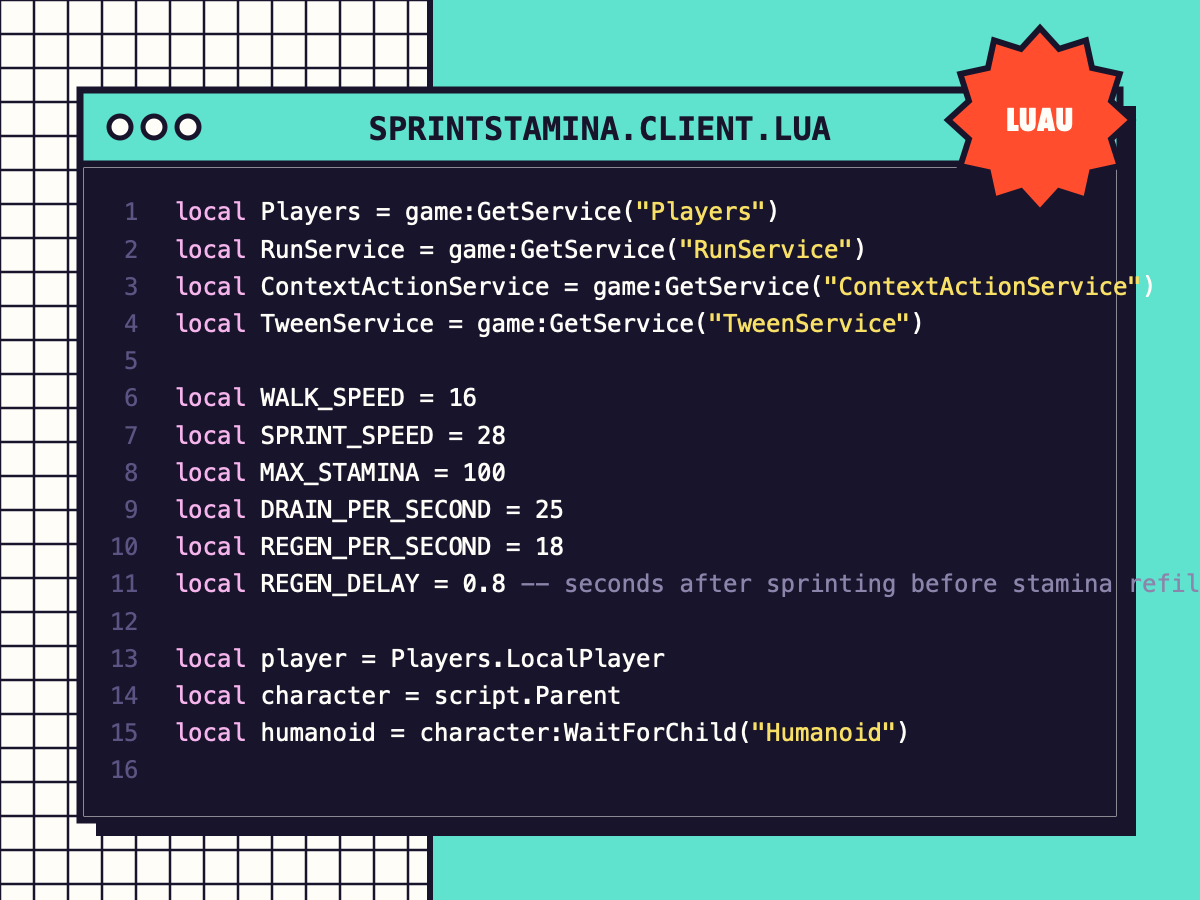
local Players = game:GetService("Players")
local RunService = game:GetService("RunService")
local ContextActionService = game:GetService("ContextActionService")
local TweenService = game:GetService("TweenService")

local WALK_SPEED = 16
local SPRINT_SPEED = 28
local MAX_STAMINA = 100
local DRAIN_PER_SECOND = 25
local REGEN_PER_SECOND = 18
local REGEN_DELAY = 0.8 -- seconds after sprinting before stamina refills

local player = Players.LocalPlayer
local character = script.Parent
local humanoid = character:WaitForChild("Humanoid")

local stamina = MAX_STAMINA
local wantsSprint = false
local lastSprint = 0

-- the bar
local gui = Instance.new("ScreenGui")
gui.Name = "StaminaGui"
gui.ResetOnSpawn = true
gui.Parent = player:WaitForChild("PlayerGui")
local back = Instance.new("Frame")
back.AnchorPoint = Vector2.new(0.5, 1)
back.Position = UDim2.new(0.5, 0, 1, -24)
back.Size = UDim2.fromOffset(260, 14)
back.BackgroundColor3 = Color3.fromRGB(24, 20, 44)
back.BackgroundTransparency = 0.25
back.Parent = gui
Instance.new("UICorner", back).CornerRadius = UDim.new(1, 0)
local fill = Instance.new("Frame")
fill.Size = UDim2.fromScale(1, 1)
fill.BackgroundColor3 = Color3.fromRGB(95, 227, 206)
fill.Parent = back
Instance.new("UICorner", fill).CornerRadius = UDim.new(1, 0)

local function onSprint(_, state)
	if state == Enum.UserInputState.Begin then
		wantsSprint = true
	elseif state == Enum.UserInputState.End or state == Enum.UserInputState.Cancel then
		wantsSprint = false
	end
	return Enum.ContextActionResult.Pass
end
ContextActionService:BindAction("Sprint", onSprint, true, Enum.KeyCode.LeftShift, Enum.KeyCode.ButtonL3)
ContextActionService:SetTitle("Sprint", "Run")
ContextActionService:SetPosition("Sprint", UDim2.new(1, -150, 1, -150))

local connection = RunService.Heartbeat:Connect(function(dt)
	local moving = humanoid.MoveDirection.Magnitude > 0.1
	local sprinting = wantsSprint and moving and stamina > 0
	if sprinting then
		stamina = math.max(0, stamina - DRAIN_PER_SECOND * dt)
		lastSprint = os.clock()
		if stamina == 0 then
			wantsSprint = false -- out of breath: let go and press again
		end
	elseif os.clock() - lastSprint > REGEN_DELAY then
		stamina = math.min(MAX_STAMINA, stamina + REGEN_PER_SECOND * dt)
	end
	humanoid.WalkSpeed = sprinting and SPRINT_SPEED or WALK_SPEED
	fill.Size = UDim2.fromScale(stamina / MAX_STAMINA, 1)
	fill.BackgroundColor3 = stamina < 25 and Color3.fromRGB(239, 76, 122) or Color3.fromRGB(95, 227, 206)
	back.BackgroundTransparency = stamina >= MAX_STAMINA and 0.7 or 0.25
end)

humanoid.Died:Connect(function()
	connection:Disconnect()
	ContextActionService:UnbindAction("Sprint")
	TweenService:Create(back, TweenInfo.new(0.3), { BackgroundTransparency = 1 }):Play()
end)
MORE
CODE
View all ↗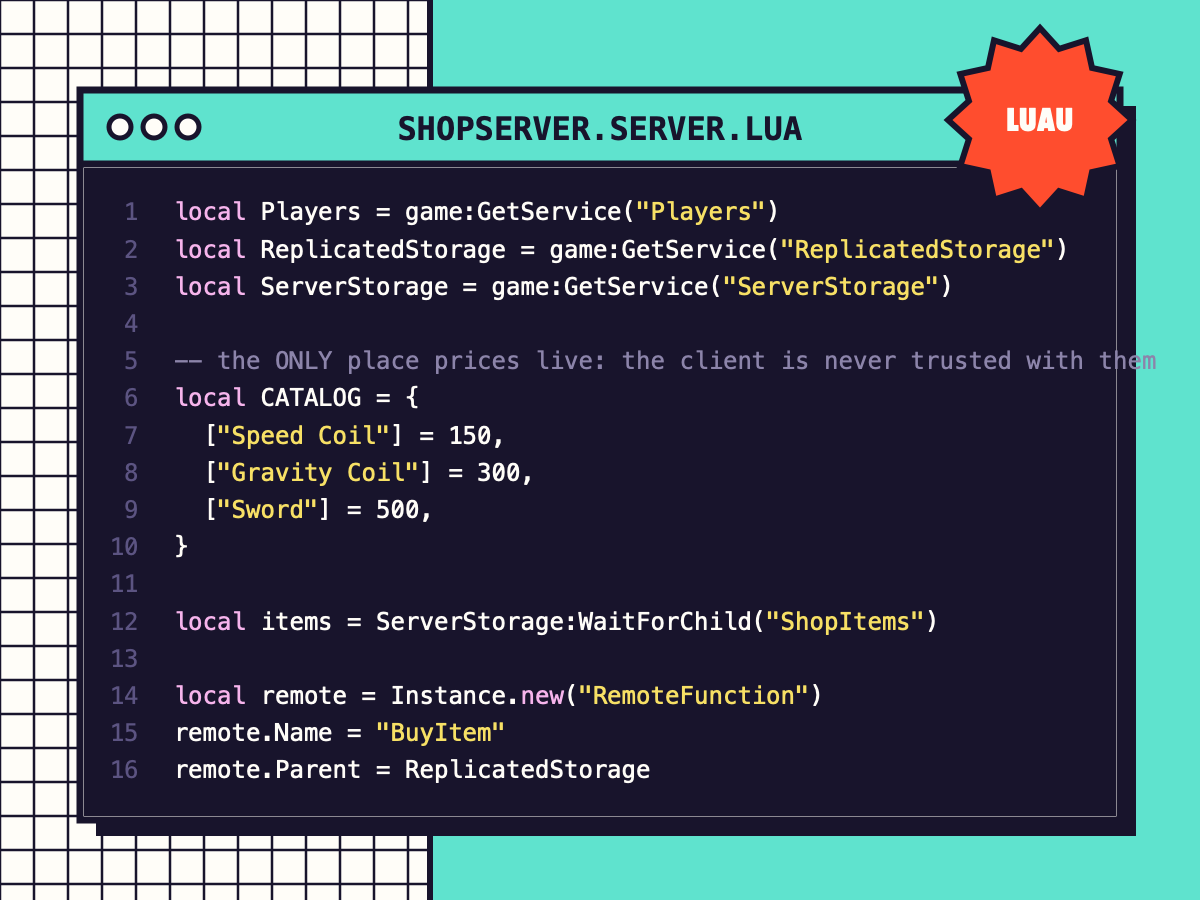
Coin Shop (Exploit-Safe)
A server-checked shop: prices live on the server, coins are verified, tools are given safely. Includes the shop window.
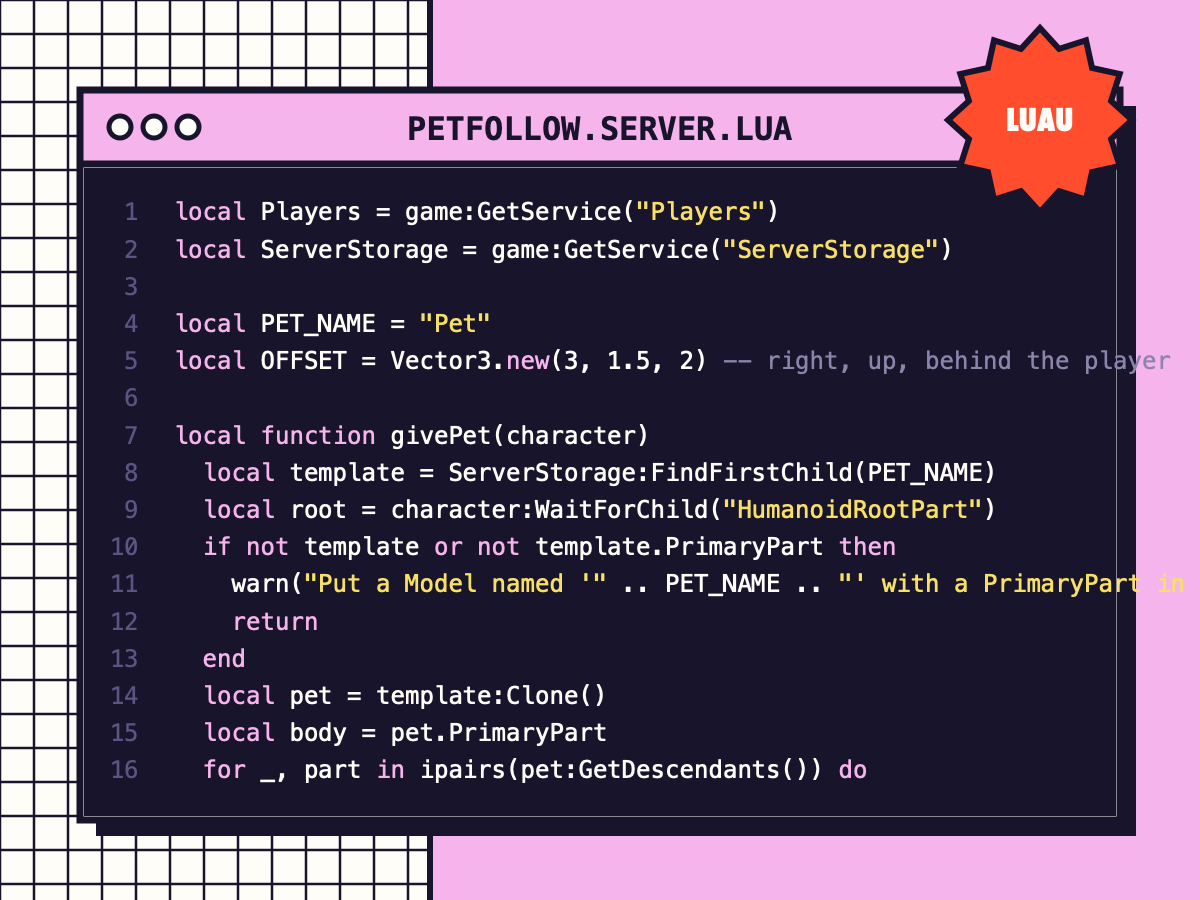
Pet That Follows You
Every player gets a floating pet that follows smoothly using AlignPosition, with a gentle bob.
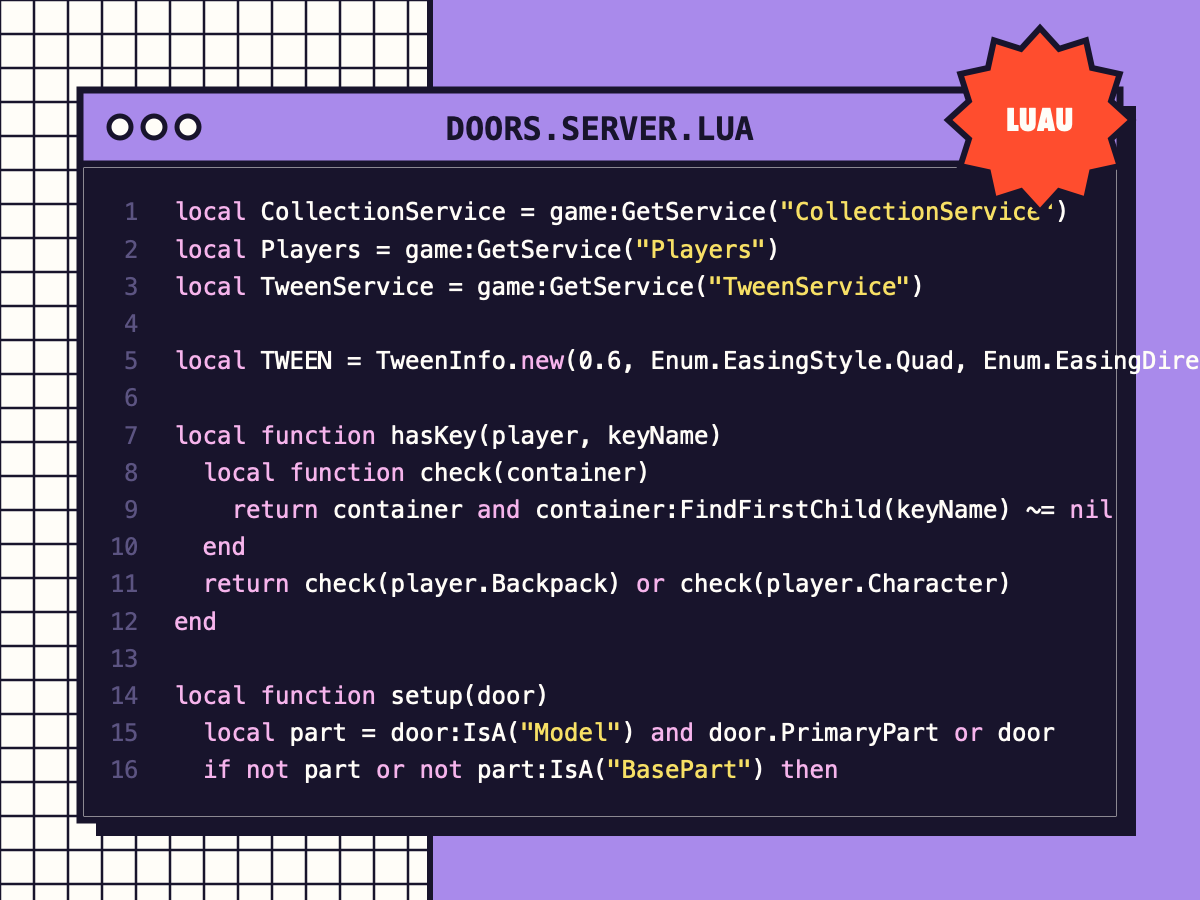
Smooth Doors with Keys
Press E to open doors that swing or slide with a tween, close automatically, and can require a key tool.
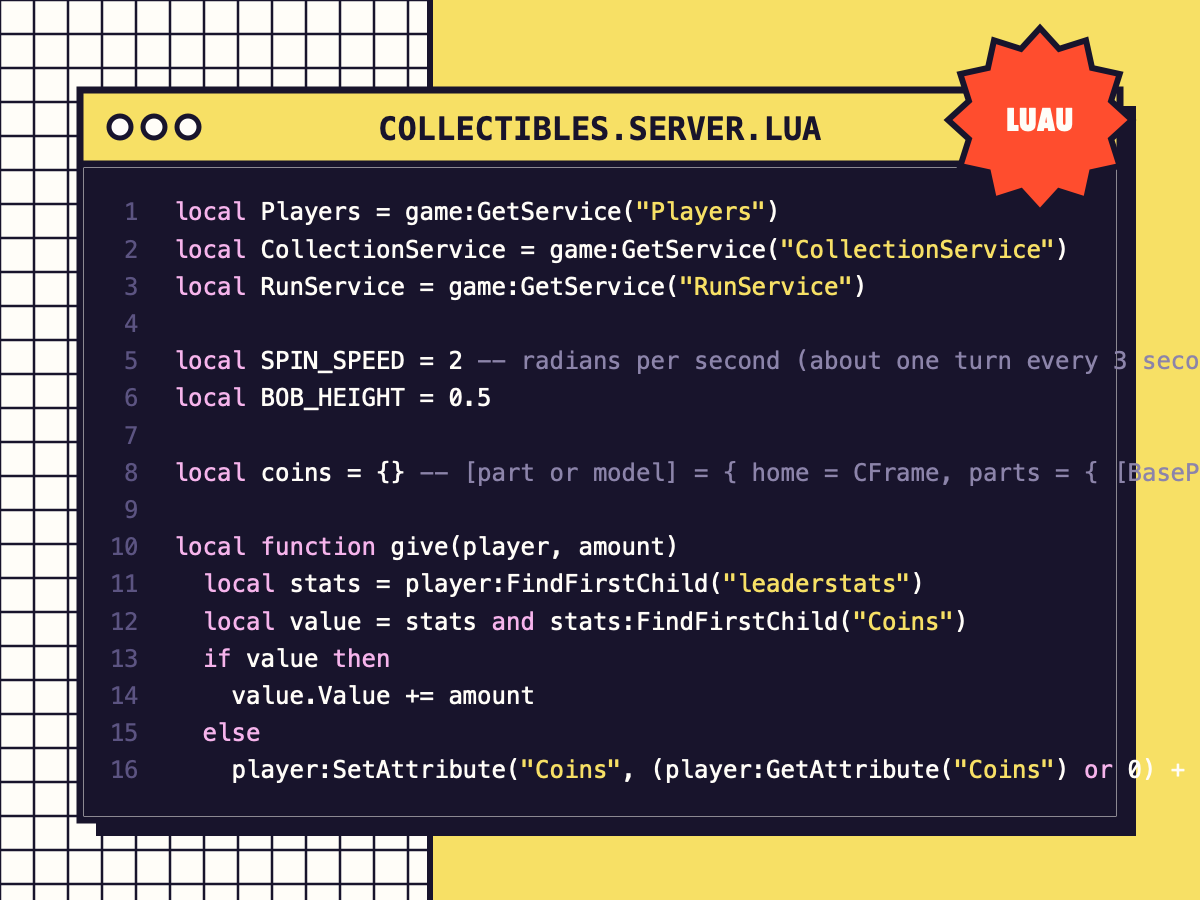
Spinning Coins & Collectibles
Tag a part or model 'Coin' and it bobs, spins, pays out and respawns. One efficient loop animates them all.