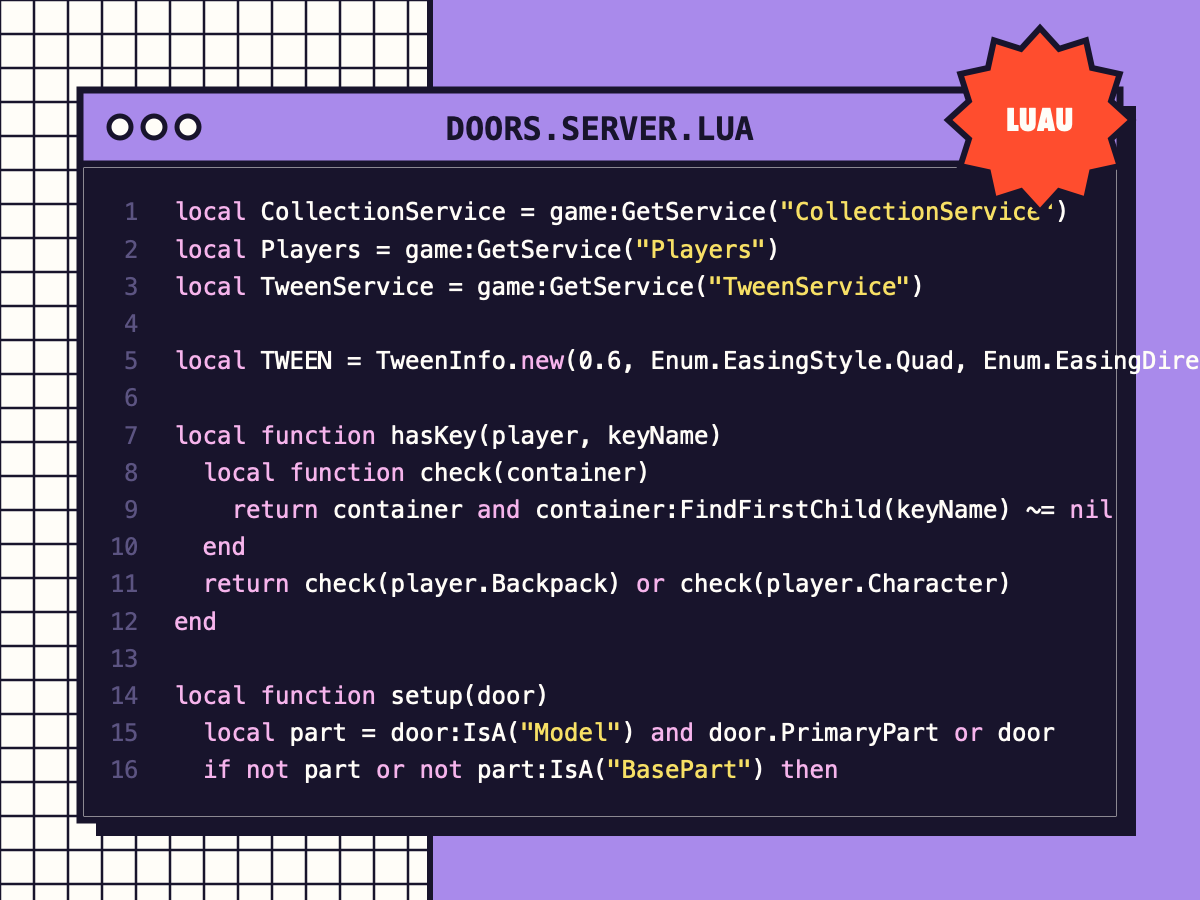
Smooth Doors with Keys
Press E to open doors that swing or slide with a tween, close automatically, and can require a key tool.
⚑ Report this
Press E to open doors that swing or slide with a tween, close automatically, and can require a key tool.
Press E on a door to open it with a smooth tween; it closes by itself. Doors can slide or swing,
and can be locked until the player owns a key tool.
SETUP
1. Put this Script in ServerScriptService.
2. Make each door a single Part (or a Model with a PrimaryPart) and tag it "Door".
3. Optional attributes on the door:
"Mode" = "Swing" (default) or "Slide"
"Angle" = degrees to swing (default 90) "Slide" = studs to slide sideways (default = its width)
"Open" = seconds it stays open (default 4)
"KeyName" = name of a Tool the player must have (e.g. "Red Key") to open it
The main script is shown below with a Copy button, or grab the download with every file and a README.
--[[
	Smooth Doors (with optional keys)  ·  by Cube Burst Studios  ·  CC0
	Press E on a door to open it with a smooth tween; it closes by itself. Doors can slide or swing,
	and can be locked until the player owns a key tool.

	SETUP
	1. Put this Script in ServerScriptService.
	2. Make each door a single Part (or a Model with a PrimaryPart) and tag it "Door".
	3. Optional attributes on the door:
	   "Mode"      = "Swing" (default) or "Slide"
	   "Angle"     = degrees to swing (default 90)        "Slide" = studs to slide sideways (default = its width)
	   "Open"      = seconds it stays open (default 4)
	   "KeyName"   = name of a Tool the player must have (e.g. "Red Key") to open it
]]

local CollectionService = game:GetService("CollectionService")
local Players = game:GetService("Players")
local TweenService = game:GetService("TweenService")

local TWEEN = TweenInfo.new(0.6, Enum.EasingStyle.Quad, Enum.EasingDirection.InOut)

local function hasKey(player, keyName)
	local function check(container)
		return container and container:FindFirstChild(keyName) ~= nil
	end
	return check(player.Backpack) or check(player.Character)
end

local function setup(door)
	local part = door:IsA("Model") and door.PrimaryPart or door
	if not part or not part:IsA("BasePart") then
		warn("Door needs to be a Part or a Model with a PrimaryPart: " .. door:GetFullName())
		return
	end
	-- models move by tweening a CFrameValue and pivoting the whole model
	local closed = door:GetPivot()
	local mode = door:GetAttribute("Mode") or "Swing"
	local openCFrame
	if mode == "Slide" then
		openCFrame = closed * CFrame.new(door:GetAttribute("Slide") or part.Size.X, 0, 0)
	else
		local hinge = closed * CFrame.new(-part.Size.X / 2, 0, 0) -- swing around the left edge
		openCFrame = hinge * CFrame.Angles(0, math.rad(door:GetAttribute("Angle") or 90), 0) * hinge:Inverse() * closed
	end

	local value = Instance.new("CFrameValue")
	value.Value = closed
	value.Changed:Connect(function(cf)
		door:PivotTo(cf)
	end)

	local prompt = Instance.new("ProximityPrompt")
	prompt.ActionText = "Open"
	prompt.ObjectText = door.Name
	prompt.HoldDuration = 0
	prompt.MaxActivationDistance = 10
	prompt.Parent = part

	local busy = false
	prompt.Triggered:Connect(function(player)
		if busy then
			return
		end
		local keyName = door:GetAttribute("KeyName")
		if keyName and not hasKey(player, keyName) then
			prompt.ObjectText = "Needs " .. keyName
			task.delay(2, function()
				prompt.ObjectText = door.Name
			end)
			return
		end
		busy = true
		prompt.Enabled = false
		TweenService:Create(value, TWEEN, { Value = openCFrame }):Play()
		task.wait(TWEEN.Time + (door:GetAttribute("Open") or 4))
		local close = TweenService:Create(value, TWEEN, { Value = closed })
		close:Play()
		close.Completed:Wait()
		prompt.Enabled = true
		busy = false
	end)
end

for _, door in ipairs(CollectionService:GetTagged("Door")) do
	setup(door)
end
CollectionService:GetInstanceAddedSignal("Door"):Connect(setup)
MORE
CODE
View all ↗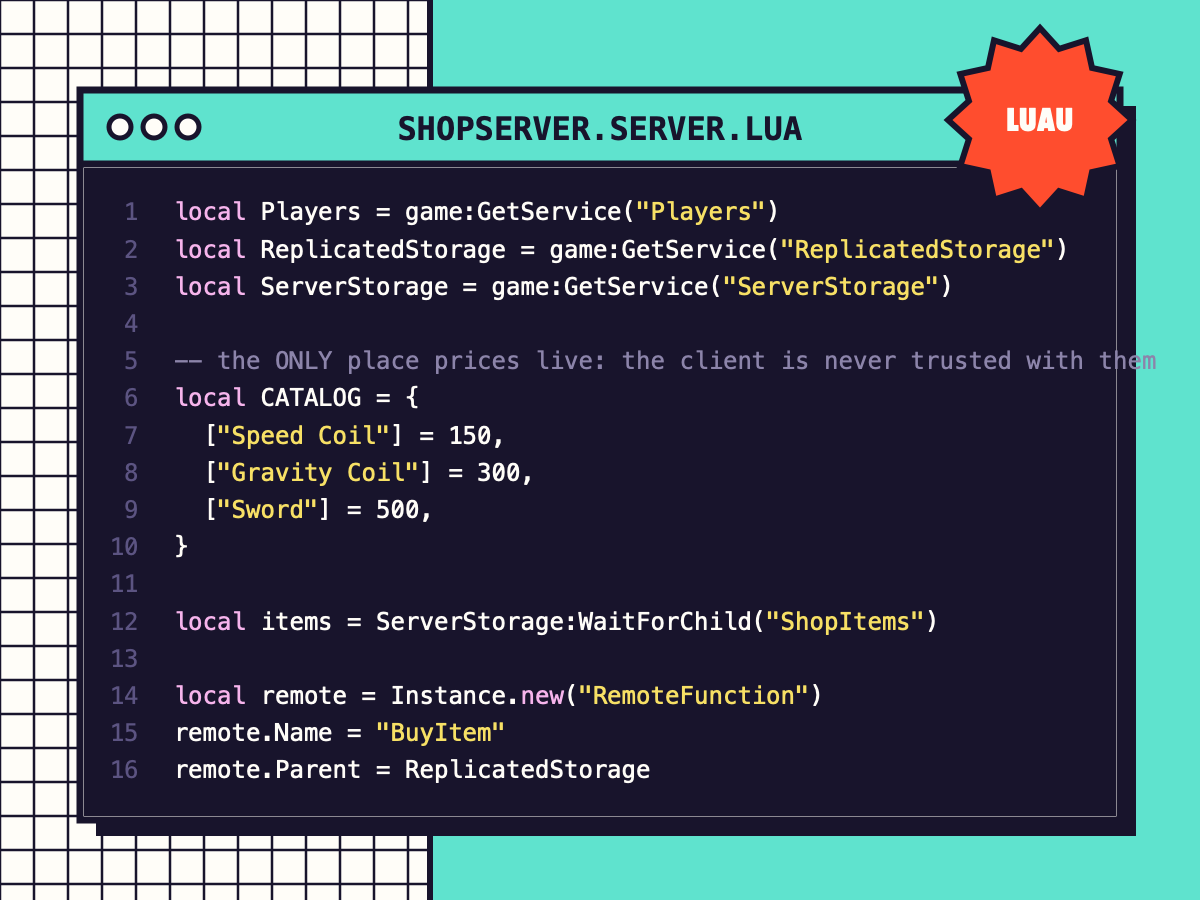
Coin Shop (Exploit-Safe)
A server-checked shop: prices live on the server, coins are verified, tools are given safely. Includes the shop window.
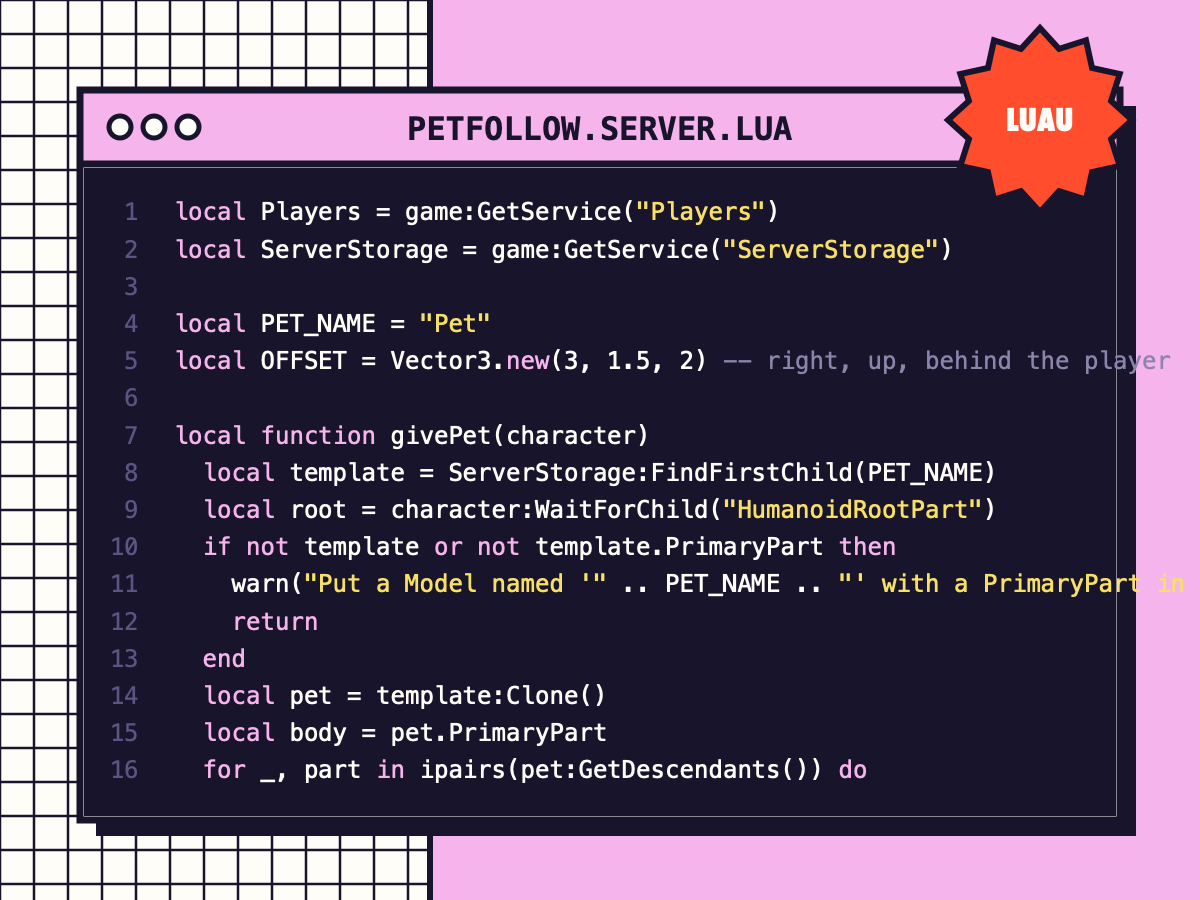
Pet That Follows You
Every player gets a floating pet that follows smoothly using AlignPosition, with a gentle bob.
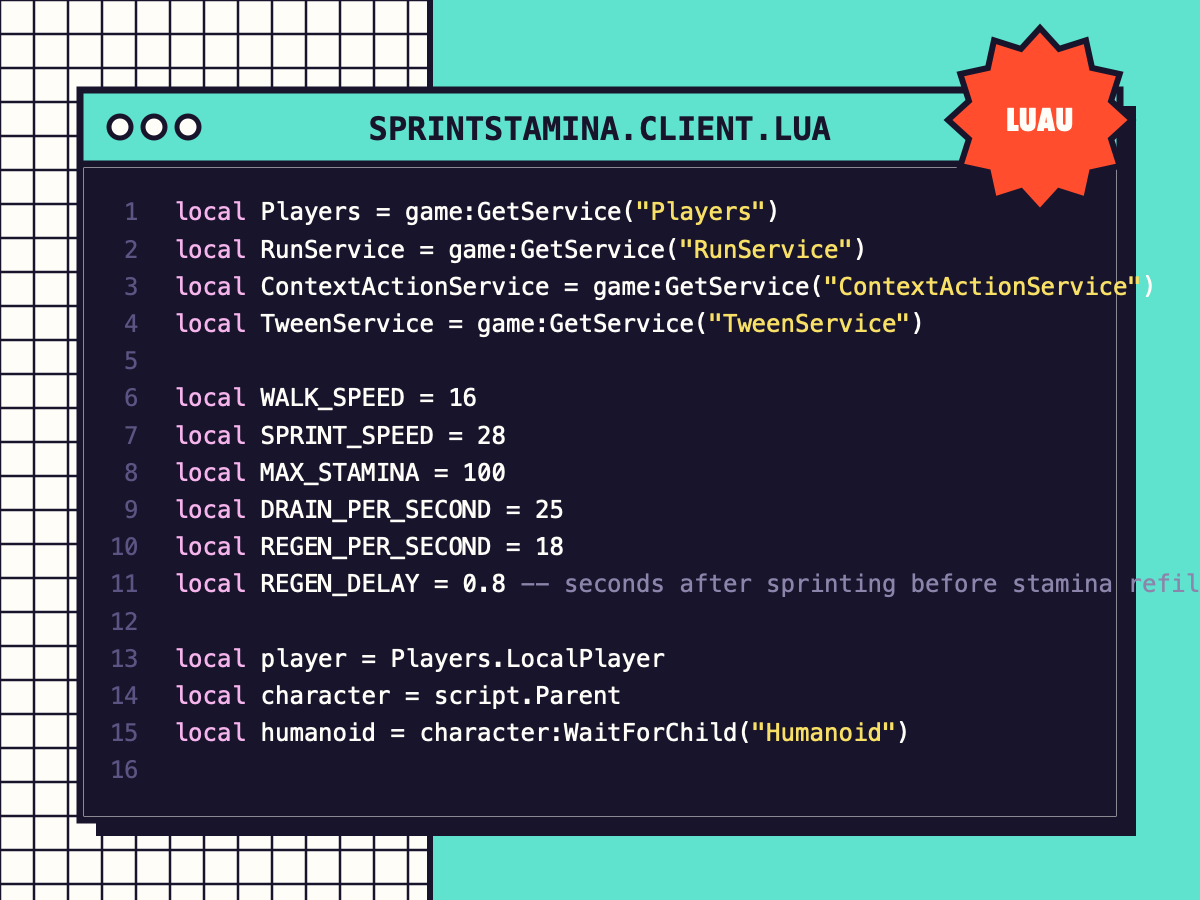
Sprint + Stamina Bar
Shift / mobile button / controller sprint with stamina drain, regen delay and a clean stamina bar.
Spinning Coins & Collectibles
Tag a part or model 'Coin' and it bobs, spins, pays out and respawns. One efficient loop animates them all.